
All of us who work from home have been there... Your video freezes in the middle of an important meeting. Someone asks you to repeat yourself. Maybe the call drops altogether. That was happening to my wife and me, and it finally became maddening enough that I had to prioritize figuring out what was going on.
Thirty-six hours later, Claude was checking every part of my mesh network, logging directly into my routers, inspecting my connected devices and comparing signals from across the house to locate the source of interference with our WiFi.
Honey, the internet is broken
Lindsay was spending more of her day on video calls, and the WiFi in her office kept stuttering. I had recently started experiencing it too. This bothered me more than it probably should have because when we renovated our house, I had designed the network with dedicated access points on every floor and wired connections back to the main router. I was the house CTO, and our setup had worked for a couple of years without a problem. Now its performance was unacceptable.
My first instinct was to blame Verizon, since we had Fios coming into the house. Maybe the connection had become unreliable. Maybe our plan was no longer fast enough to support high-quality video calls. Maybe Verizon was throttling our connection to get us to pay for more bandwidth!
But when I ran a few speed tests, everything looked great on both my phone and laptop, all around the house.
Then I had an idea: maybe my good friend, Claude, could help figure out where the problem was.
Start at the source: checking Verizon
I have a Mac Mini physically wired to the main router which I use for long-running coding projects, so I had an easy place to measure the internet signal coming into the house. My first request to Claude was simple:
Monitor my connection to Verizon throughout the workday. Tell me whether it drops, when it drops and how often.
Claude monitored the connection for the next 24 hours. Not a single packet was lost, even while our calls stuttered.
The problem was somewhere inside my house.
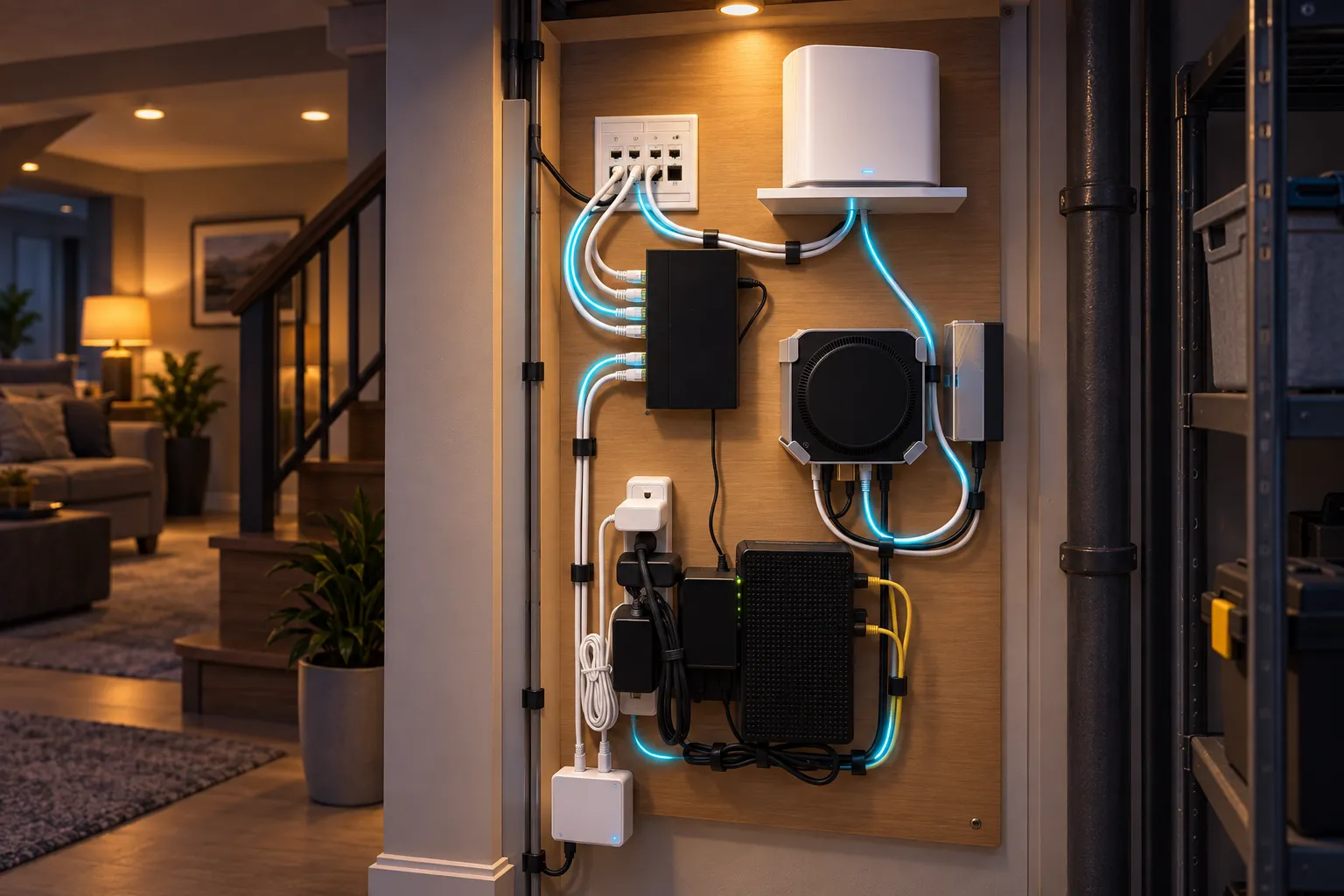
The wired heart of the house network, where the Mac Mini watched the Verizon connection. Illustration generated with ChatGPT (gpt-image).
Letting Claude inspect the network
My next theory was that some device inside the house was periodically gobbling up the available bandwidth. Maybe a cloud backup was running or one of the kids had set up a connected device that now was quietly going haywire.
I worked with Claude to make a secure, temporary connection to my WiFi routers and inspect the connected devices and traffic. Nothing was using enough bandwidth to explain the stuttering. The house was quiet, but the WiFi was still turning to crap.
That killed my second theory.
So I pivoted again... and asked Claude to expand the monitoring program to watch both laptops alongside the wired connection. There had to be some way to see exactly what was happening during a bad call.
That was when things got a bit weird.
Watching both laptops
Later that afternoon, I decided to take my next call from the couch outside of Lindsay's office, and my video immediately buffered. Yet my signal was strong.
Then Claude found something I never would have noticed on my own.
Both laptops were losing the same number of packets at the exact same time! One and one. Two and two. Three and three. The losses started and stopped together while the wired Mac ran without a hiccup.
How could two different laptops, being used by two different people for completely different work, fail in perfect sync?
I told Claude that my laptop had worked all morning where I'd been sitting, and the trouble only began when I moved closer to Lindsay's office. That changed the entire investigation. Claude proposed that something near the wall was interfering with the WiFi signal to both laptops.
The culprit might not be connected to the network at all! Perhaps it was something in the house physically emitting electromagnetic energy with such power that it was overwhelming our WiFi radio signals.
That sounded plausible, I suppose, but then Claude went further. Because it had access to diagnostic information hidden from the normal consumer app on my routers, it could measure the radio interference experienced by each access point. Because interference degraded exponentially with distance, Claude thought it could narrow down the source by comparing measurements between access points across the house.
Turning the access points into radio detectors
I was highly skeptical. But the experiment was cheap, the equipment was already installed and the data was available. I told Claude to give it a shot.
The result was astonishing. The access point near Lindsay's office detected more than 200 times as much interference as the main router. Claude estimated that the source was somewhere within a few feet of the office's access point!
At this point, my reaction was basically: WTF?!
Something electrical inside my house was blasting energy across the same frequency used by our WiFi. Up close, it was powerful enough to overwhelm the access point and knock two laptops off the air. Across the house, it faded almost completely.
This was not a software problem anymore. It was physics. And Claude was telling me it identified the physical distance the source was from my access points!
The three-foot fix
As I stomped around my kitchen, laptop in hand, I thought through the scenario... My access point sat next to the kitchen and the bursts came every few minutes without anyone touching an appliance. Our TVs were all off and no one was messing with any of the devices in the house... then I remembered that I had recently installed a smart-lighting bridge next to my access point to gain access to its wired connection.
At 9:25 p.m., the interference was overwhelming the access point and almost no WiFi capacity remained.
At 9:26 p.m., I unplugged the bridge's power adapter. The interference immediately fell to zero, and the available WiFi capacity jumped back to 93%.
The WiFi stayed clean overnight, and both laptops remained stable.
The likely culprit was not the bridge itself, but its inexpensive power adapter. I've come to learn that these adapters can leak electromagnetic noise across radio frequencies, and I had placed this one only three inches from a sensitive WiFi antenna.
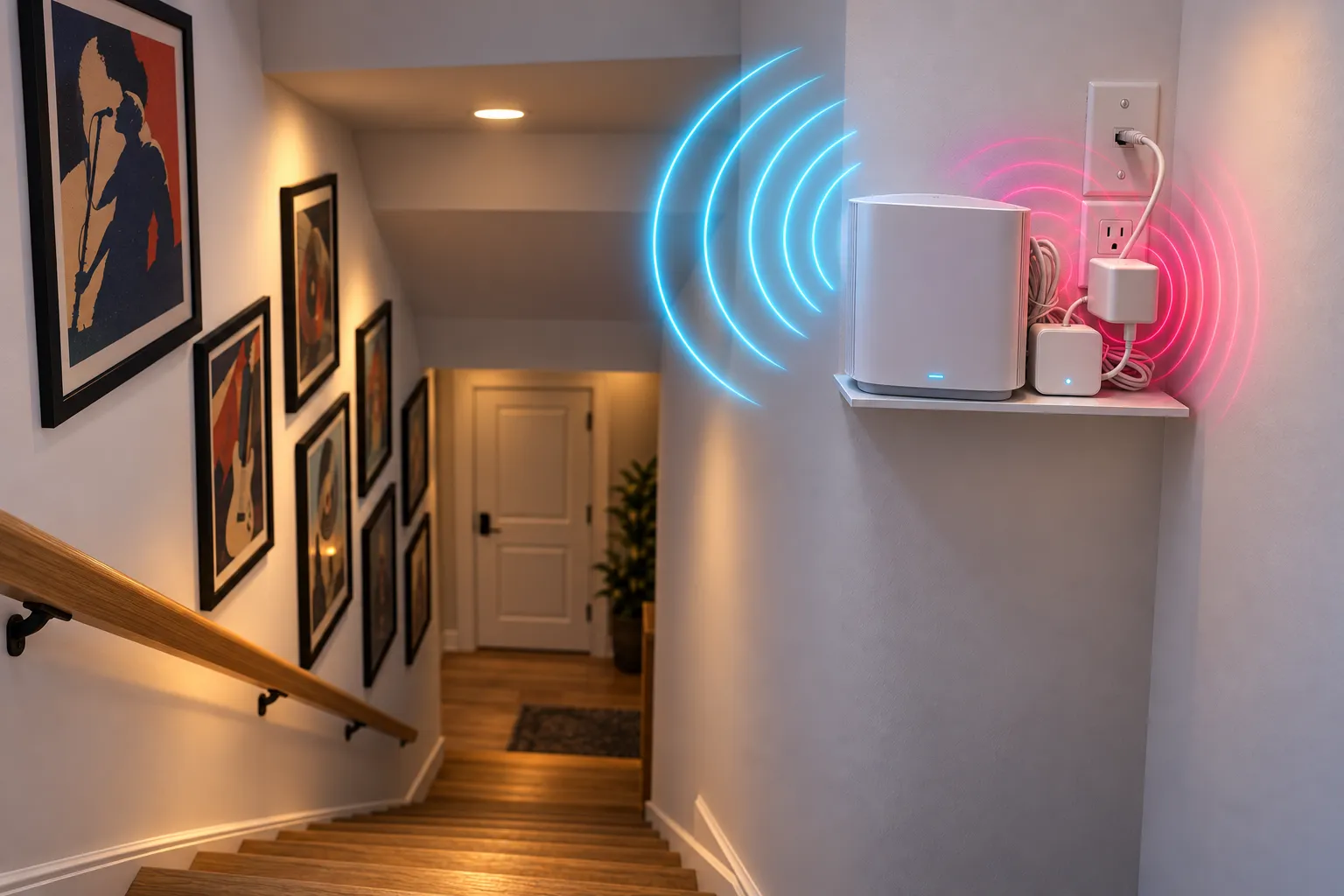
A cheap power adapter a few inches from an access point can drown out its WiFi signal. Illustration generated with ChatGPT (gpt-image).
I moved the same bridge and adapter to the basement, where the adapter now sits three feet from a router instead of three inches.
It has not caused any problems since.
This is what AI-native work looks like
I'm telling this story because, yes, I think it's kind of wild that Claude was able to physically pinpoint the source of electromagnetic interference in my house. More than that, though, is the idea that for me, this is what working with AI actually tends to look like.
The interesting part is not that Claude knew something about WiFi. Any chatbot could have suggested weak signal, a crowded channel or rebooting the router. The interesting part is how I deployed it one question at a time and iterated to find a real solution within a realm well beyond my own expertise.
I used Claude as a catalyst for a series of ideas that would previously have been impractical for me to execute on my own. Claude supplied endurance, technical depth and an ability to build new tools quickly. I supplied the direction: what to measure, which real-world details mattered, when deeper access was justified and which experiment to run next.
That is also how I think about strong product management and product leadership in this new age. You begin with a messy complaint. You turn it into a problem that can be observed. You create the instrumentation you need, form hypotheses and run inexpensive experiments. Each result informs the next question until you can see what is actually happening and solve for it.
And that's what AI-native means to me. It's not one clever prompt or handing your judgment over to a model. It's keeping AI in the working loop and giving it the right tools and context while you decide what matters and what to try next.
This investigation was conducted with Claude Opus 4.8 across two sessions on June 10–11, 2026. Afterward, I removed the monitoring service, revoked the router key and deleted the temporary loggers.